Go back

How to changing the language of the Card Manager

By adjusting the language of the Card Manager to your preference, you can navigate more easily and make full use of its features. We offer language options in Dutch, English, and German. If you have any questions or need assistance with changing the language, please don’t hesitate to contact us. We’ll be happy to help!

To change the language of the Card Manager, follow these simple steps:

  1. Log in to the Card Manager using your username and password.
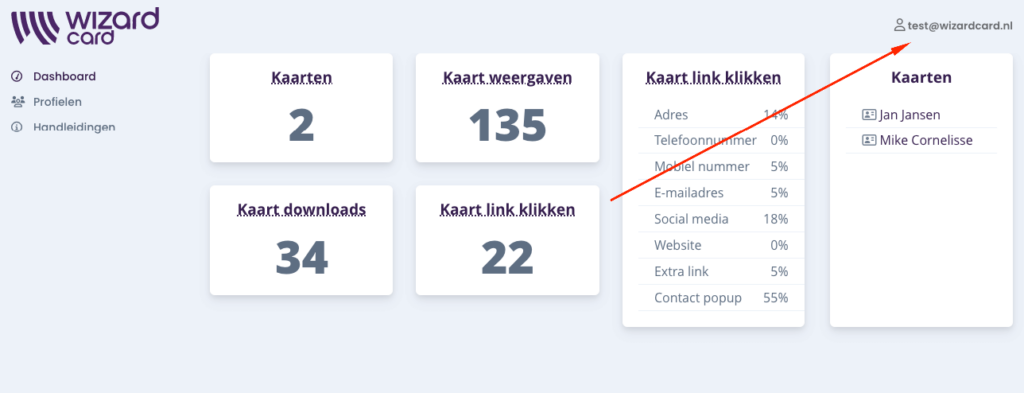
  2. Click on your profile in the top right corner.
  3. Select “Language” and choose your preferred language.
  4. All content will immediately be displayed in the newly selected language.
taal aanpassen

Your own digital
visitekaartje

  • Delivered within 2 days
  • Your own design
  • Excellently rated