Go back

Digital Business Cards vs. Paper Business Cards: Which Is Right for Your Business?

Digitaal visitekaartje vs papieren visitekaartje vergelijken

A new employee joins the company, a colleague takes on a different role, or the organization’s phone number changes. For many companies, that means immediately ordering new business cards. The old stock goes in the trash, and the whole process starts over.

For a small business, this is usually still manageable. But as soon as you have several employees, paper business cards quickly become a recurring expense and an administrative burden.

That’s why more and more organizations are switching to digital business cards. But when does that really make sense? And are paper business cards even relevant anymore?

Paper Business Cards: Still a Good Choice?

Paper business cards certainly still have their value. They’re familiar, easy to hand out and widely used at networking events, meetings and trade shows. If you’re self-employed and your contact details rarely change, traditional paper business cards can serve you perfectly well for years.

However, organisations with multiple employees often face different challenges. Every change means ordering new cards, while outdated versions may still be in circulation. This not only costs money but also creates unnecessary administrative work.

The Key Differences

Paper Business Card Digital Business Card
New cards needed when details change Update details instantly from one central platform
Can only be shared physically Share via NFC, QR code and Wallet
Contact details must be entered manually Save contact details directly to your phone
No insight into card usage Track scans and downloads
No central management Manage all cards centrally
Regular reprinting required One card can be used for years
Generates waste Reusable

When Does a Digital Business Card Offer More Benefits?

As an organisation grows, centralised management becomes increasingly important. Imagine an employee takes on a new role or the company’s main phone number changes. With paper business cards, new cards need to be designed, printed and distributed.

With digital business cards, you only need to update these details once in a central platform. From that moment on, employees automatically share the most up-to-date information.

Digital business cards also save considerable time when employees join or leave the company. When someone leaves, you can easily deactivate their digital business card or reassign it to a new employee. This prevents outdated business cards featuring your company name from remaining in circulation.

Do You Still Need a Business Card in 2026?

With LinkedIn, Apple NameDrop and other ways to share contact details, more and more businesses are questioning whether business cards are still necessary. For personal use, these solutions often work perfectly well. However, organisations face different challenges.

  • How do you ensure every employee shares consistent company information?
  • How can you update phone numbers or job titles centrally?
  • How do you maintain consistent branding across all employees?
  • How do you know whether business cards are actually being used?

A LinkedIn profile is primarily designed for personal networking and doesn’t always include all the company information you want to share. Apple NameDrop also only works between Apple devices and offers no centralised management or usage insights for organisations.

A digital business card combines the convenience of digital sharing with the professional appearance of a traditional business card. Recipients don’t need to install an app and can instantly view and save contact details, whether they use an iPhone or an Android smartphone.

Multiple Ways to Share Your Business Card

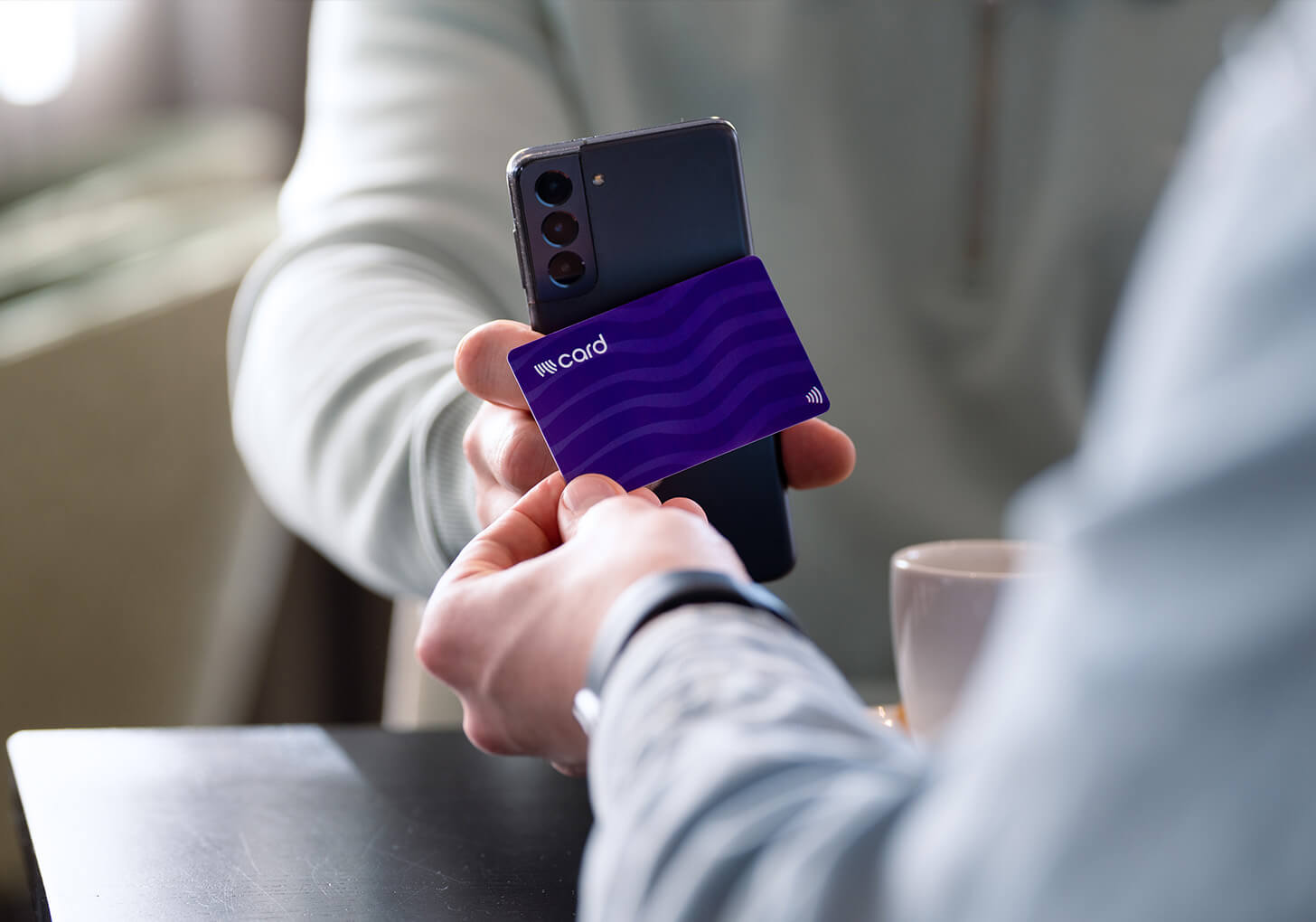
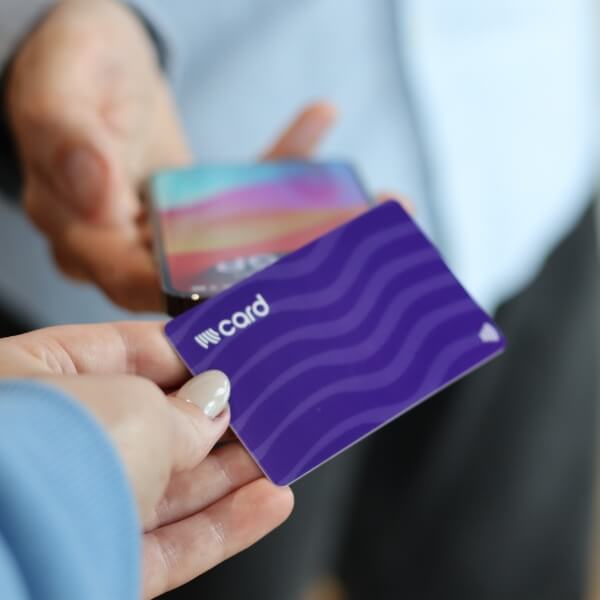
A digital business card is always within easy reach. You can share it using an NFC business card, a QR code in your email signature or presentation, or directly from Apple Wallet or Google Wallet.

Recipients simply scan the QR code or tap the NFC card against their phone. Within seconds, your contact details appear on their screen and can be saved instantly.

This not only makes sharing your contact details faster and easier, but also reduces the risk of typing errors or missing information.

NFC visitekaartje scannen met iphone

More Than Just Sharing Contact Details

A digital business card can do much more than simply display a name and phone number. Businesses can add links to their website, social media profiles, appointment scheduler or product pages. It’s also possible to add a lead form, allowing new contacts to leave their details directly.

Through integrations with platforms such as Zapier, this information can automatically be sent to CRM systems like HubSpot or Salesforce. This eliminates the need for manual data entry and reduces the risk of losing valuable contact information.

More Sustainable and Efficient

Alongside their ease of use, digital business cards offer practical benefits. There’s no need to print new business cards every time something changes, helping to reduce paper waste. Your branding also stays consistent and up to date, as all changes can be managed centrally.

For organisations, this means less administrative work, lower printing costs and greater control over the information employees share.

Conclusion: Which Business Card Is Right for Your Company?

Traditional paper business cards remain a perfectly good choice for business owners whose contact details rarely change and who only occasionally hand out business cards.
However, if you have multiple employees, frequently changing contact details or want greater control over your branding and company information, digital business cards offer clear advantages.
You can manage all your cards centrally, ensure employees always share up-to-date information and avoid unnecessary reprinting.
For many organisations, digital business cards are therefore more than just a modern alternative. They’re a practical and sustainable investment that saves time and gives businesses greater control over their contact information.

Frequently Asked Questions

That depends on your situation. For self-employed professionals whose contact details rarely change, a paper business card may be sufficient. However, if you have multiple employees or contact details change regularly, a digital business card offers greater flexibility and centralised management.

Not necessarily. Many businesses now choose digital business cards that can be shared via NFC, QR code, Apple Wallet or Google Wallet. This means you always have your contact details at hand.

Yes. Digital business cards work with both iPhone and Android smartphones. Recipients don’t need to install an app.

Yes. Recipients can save contact details directly to their phone’s address book. This eliminates the need to enter information manually and helps prevent typing errors.

Yes. With Wizard Card, you can manage all your digital business cards from one online platform. Easily update contact details, add new employees and deactivate the cards of colleagues who have left the company.

Not necessarily. Although the initial cost may be higher, digital business cards can save money on reprinting, design work and administrative tasks when employee details change or staff join or leave the company.

Yes. You can add links to your website, social media profiles, appointment scheduler or a lead form. In short, you can share anything that has a link.

Digital business cards are particularly useful for organisations where contact details change regularly or where multiple employees interact with customers on behalf of the company. Examples include:

  • Companies with multiple employees
  • Sales and account management teams
  • HR and recruitment departments
  • Estate agents and property companies
  • Car dealerships and automotive businesses
  • Installation and construction companies
  • Consultancy and advisory firms
  • Organisations that regularly attend trade shows and events

As an organisation grows, centralised management and keeping contact details up to date become increasingly important.