Go back

Sharing Contact Details as a Sales Team: What Works Best?

Contactgegevens delen met een digitaal visitekaartje binnen een salesteam

You’re at a trade show, event or networking gathering and have several valuable conversations in a short space of time. At the end of each conversation, you naturally want to share your contact details. Traditional paper business cards still work well for this. However, particularly within larger sales teams, they also come with drawbacks. Cards run out, contact details change, and whenever someone takes on a new role, changes their phone number or joins the team, new cards need to be ordered. That’s why more and more businesses are choosing digital ways to share contact details. But what options are available? And which solution works best for an entire sales team?

Why Does the Way You Share Contact Details Matter?

A business card might seem like a small part of the sales process, but it’s often one of the last things you leave someone with after a conversation. That’s why it’s important that sharing your details is easy and that the information you provide is accurate.

For organisations, there’s another consideration: ideally, every employee should present a consistent, professional image. That’s easy to manage with one or two employees, but it quickly becomes more challenging with twenty, fifty or a hundred.

A good solution for a sales team should therefore:

  • be easy to use;
  • always display up-to-date contact details;
  • reflect your company’s branding;
  • allow for centralised management;
  • be easy to roll out to new employees.

Which solution works best depends on your organisation.

1. Paper Business Cards

Traditional business cards are far from disappearing. They’re easy to hand out, and almost everyone knows what to do with them. For individual employees or small teams, paper business cards can still work perfectly well.

The drawbacks become more noticeable as an organisation grows. An employee takes on a new role, a phone number changes or someone leaves the company. Suddenly, their existing business cards are out of date.

Every new employee also needs a fresh set of cards to be designed, printed and distributed. What’s more, you have no way of knowing what happens to a business card after a conversation. It might be kept, but it could just as easily end up forgotten at the bottom of a bag or in a desk drawer.

That doesn’t mean paper and digital business cards have to be mutually exclusive. For example, a traditional paper business card can easily include a QR code linking to a digital business card.

2. A QR Code Linking to a Digital Business Card

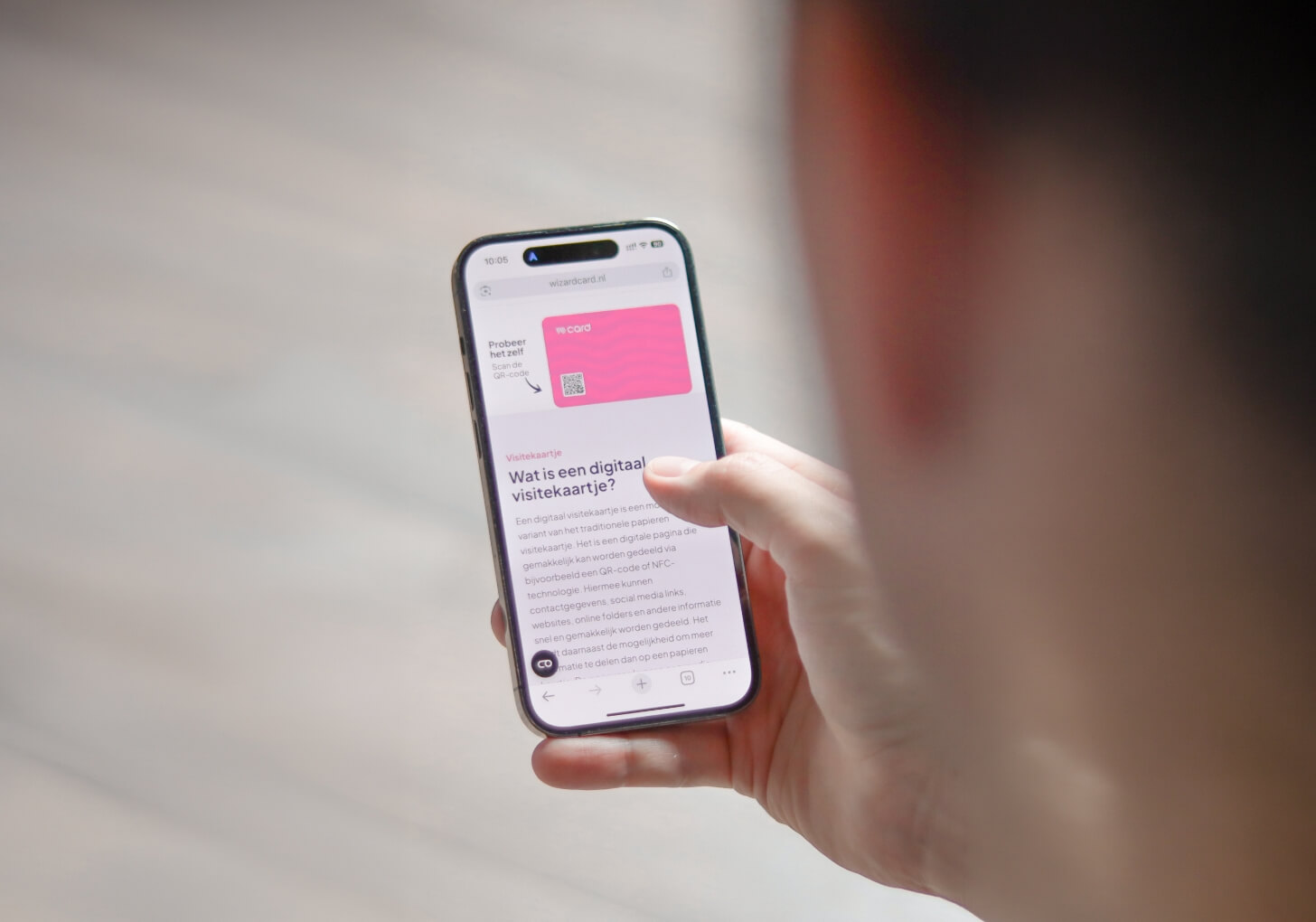
A simple first step towards digital contact sharing is using a QR code. Recipients scan the QR code with their smartphone and are taken directly to a digital business card. This can display information such as a phone number, email address, website and social media profiles.

The main advantage is that recipients don’t need to enter contact details manually. Instead, they can save the information directly to their phone from the digital business card.

QR codes can be used in various places, including paper business cards, email signatures, name badges, presentations or smartphone screens.

For sales teams, QR codes become particularly useful when they link to digital profiles that can be managed centrally. If an employee’s contact details change, their digital profile can simply be updated without having to replace the QR code itself.

3. NFC Business Cards

Alongside QR codes, you can also share contact details using NFC. NFC stands for Near Field Communication. It’s the same technology used for contactless payments.

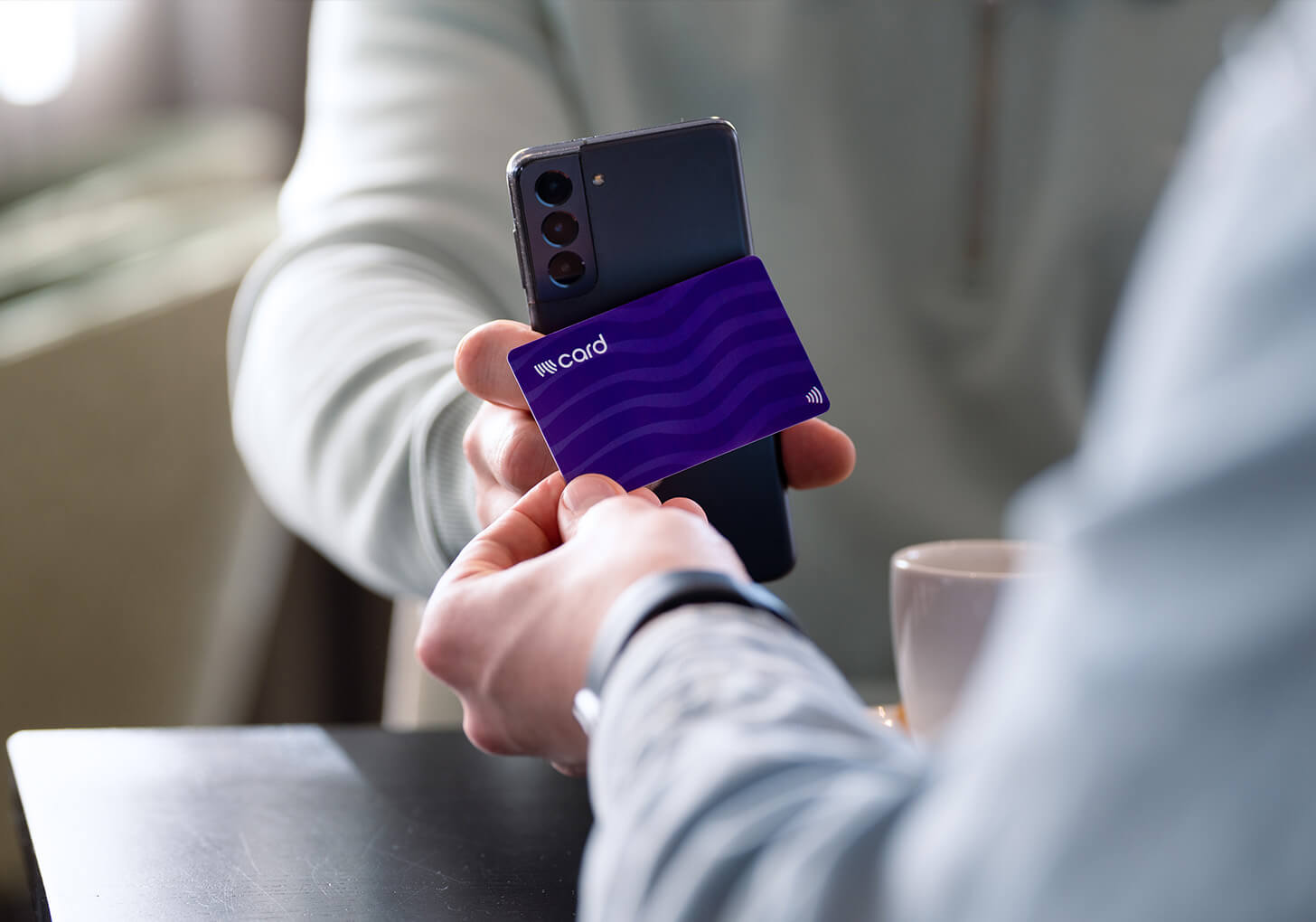
An NFC business card contains a small NFC chip embedded in the physical card. When someone taps a compatible smartphone against the card, a notification appears, allowing them to open the digital business card.

Recipients don’t need to install an app. At Wizard Card, we combine NFC and QR technology in a single card. This means people can either tap the card against their smartphone or scan the QR code.

The physical business card remains part of the conversation, while the contact information itself is available digitally.

4. A Digital Business Card in Apple Wallet or Google Wallet

A physical business card isn’t always necessary. Digital business cards can also be added to Apple Wallet or Google Wallet, allowing employees to keep their business cards directly on their smartphones.

This is particularly useful for employees who travel frequently, regularly attend networking events or simply prefer not to carry a physical card. The Wallet pass displays a QR code that others can scan to open the employee’s digital business card. For organisations, Wallet business cards can therefore also be used as a completely digital solution.

Why Centralised Management Matters for Sales Teams

As a team grows, managing business cards becomes increasingly important. Imagine an organisation with fifty employees. If every employee manages their own digital business card, it becomes difficult to ensure that all contact details remain accurate and the company’s branding stays consistent.

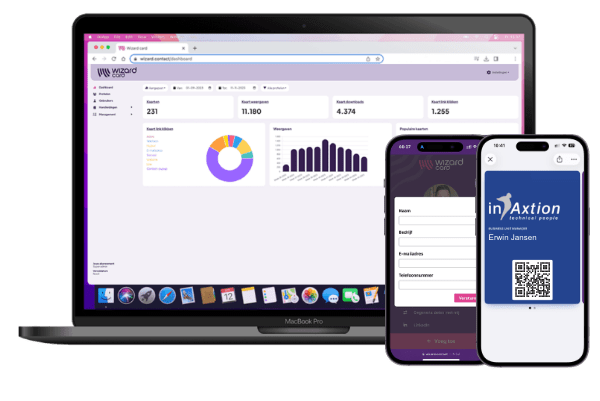
With centralised management, a single administrator can manage employees’ digital business cards. Using Wizard Card’s Card Manager, organisations can manage digital business cards, update contact details, add new cards and monitor how the cards are being used.

Employees can also be imported via CSV, and multiple administrators can be added.

Card manager

This means employees don’t have to set up their own individual solutions, while the organisation maintains greater control over its branding and the information being shared.

Sharing Contact Details at Trade Shows and Events

The differences between these methods become particularly clear at a trade show. Sales representatives might have dozens of conversations in a single day. Handing out paper business cards can still work well, but with a digital business card, recipients can open your contact details directly on their phones.

This can be done by:

  • tapping an NFC business card against a smartphone;
  • scanning the QR code on the card;
  • displaying a QR code from Apple Wallet or Google Wallet.

Recipients can then view the digital profile and save the contact details.

Want to collect a potential customer’s details during the conversation as well? You can add a lead form to your digital business card, allowing visitors to share their own contact information.

This makes a digital business card more than just a way to share contact details. It can also help sales teams follow up with potential customers after a trade show or networking event.

Collecting Lead Information

During a sales conversation, you usually want to do more than just share your own contact details. You also want to know who you’ve spoken to so you can follow up afterwards.

That’s why you can add a lead form to a digital business card. The person you’re speaking with can enter their name, company name, email address and phone number, for example.

This is particularly useful at trade shows and networking events. Instead of collecting business cards afterwards or manually entering contact details, the information is captured digitally.

Automatically Send Leads to Your CRM

Collecting a lead is only the first step. Ultimately, you want that information to end up in the system your sales team uses.

Wizard Card’s lead form can be connected to other systems through Zapier. For example, you can automatically send new leads directly to your CRM.

Automate More with Workflows

With Zapier, you can also use the information collected through your lead form to create more advanced workflows. The possibilities depend on the systems your organisation uses.

Here are a few examples:

  • Automatically create a new contact or lead in your CRM.
  • Assign a lead to the sales representative whose digital business card was used.
  • Automatically add a tag or label, such as the name of the trade show or event.
  • Send an internal notification to your sales team whenever a new lead comes in.
  • Add the lead to an existing sales workflow.
  • Send a personalised welcome email to the new lead.

This allows digital business cards to become part of a wider sales process. During a conversation, a sales representative shares their digital business card, the potential customer submits their contact details, and Zapier automatically sends the information to the relevant systems.

This makes a digital business card more than just a way to share contact details. It also becomes a practical starting point for following up with new leads.

Digital Business Cards for Your Sales Team

At Wizard Card, we combine a physical NFC business card with a digital profile. Each card also features a QR code, allowing contact details to be shared in multiple ways.

For organisations looking to manage multiple business cards centrally, we offer the Card Manager. This allows digital business cards to be managed and updated from one central platform.

This means employees don’t need to start from scratch whenever their details change, while the entire team maintains a consistent, professional appearance.

Whether digital business cards are right for your sales team ultimately depends on how often you share contact details, how many employees need them and how much centralised control your organisation requires.

Want to see how it works in practice? Discover how our digital business cards work or request an online demo.