Go back

How to Share Your Contact Details Quickly at an Exhibition

Hoe deel ik snel mijn contactgegevens op een beurs

An exhibition is all about making new connections. In a single day, you might speak to dozens of potential customers, partners and other interesting businesses. After a good conversation, the last thing you want is a hassle when exchanging contact details.

Especially when you’re attending an exhibition with your entire team, it’s important to have everything organised. Every employee should be able to share their contact details quickly and easily, with consistent branding and without having to order stacks of paper business cards for everyone beforehand.

A digital business card with NFC and a QR code makes this much easier. Every employee has their own digital profile and can share it with a visitor in just a few seconds. At the same time, your organisation can manage all business cards centrally.

And there’s another advantage: it helps you stand out. Among all the banners, brochures, pens, tote bags and other exhibition essentials, the way you end a conversation can make all the difference.

Stand Out from Other Exhibition Stands

At an exhibition, every business is trying to stand out. An impressive stand, a large banner, name badges, good coffee and, of course, plenty of NFC pens, brochures and other giveaways.

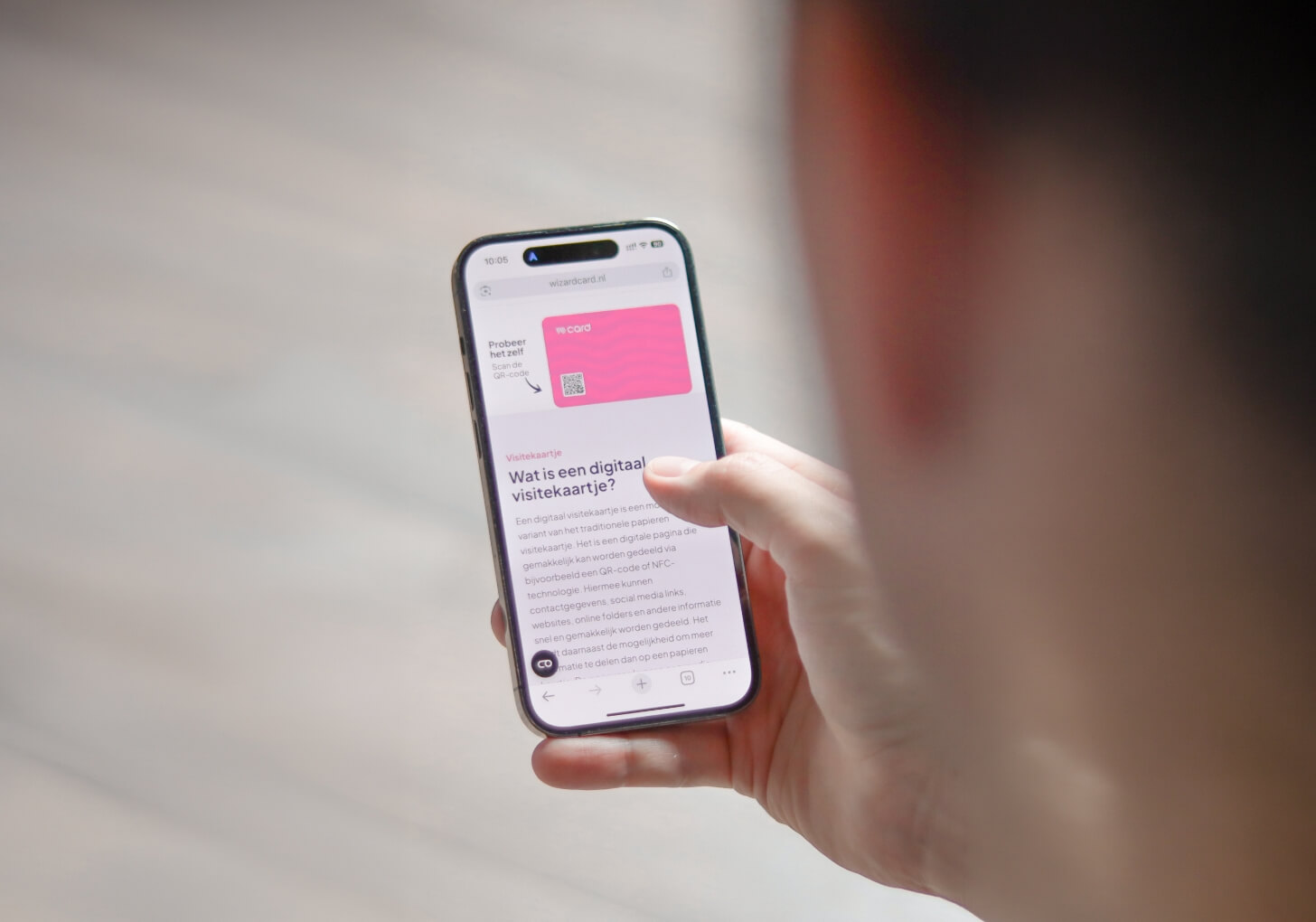
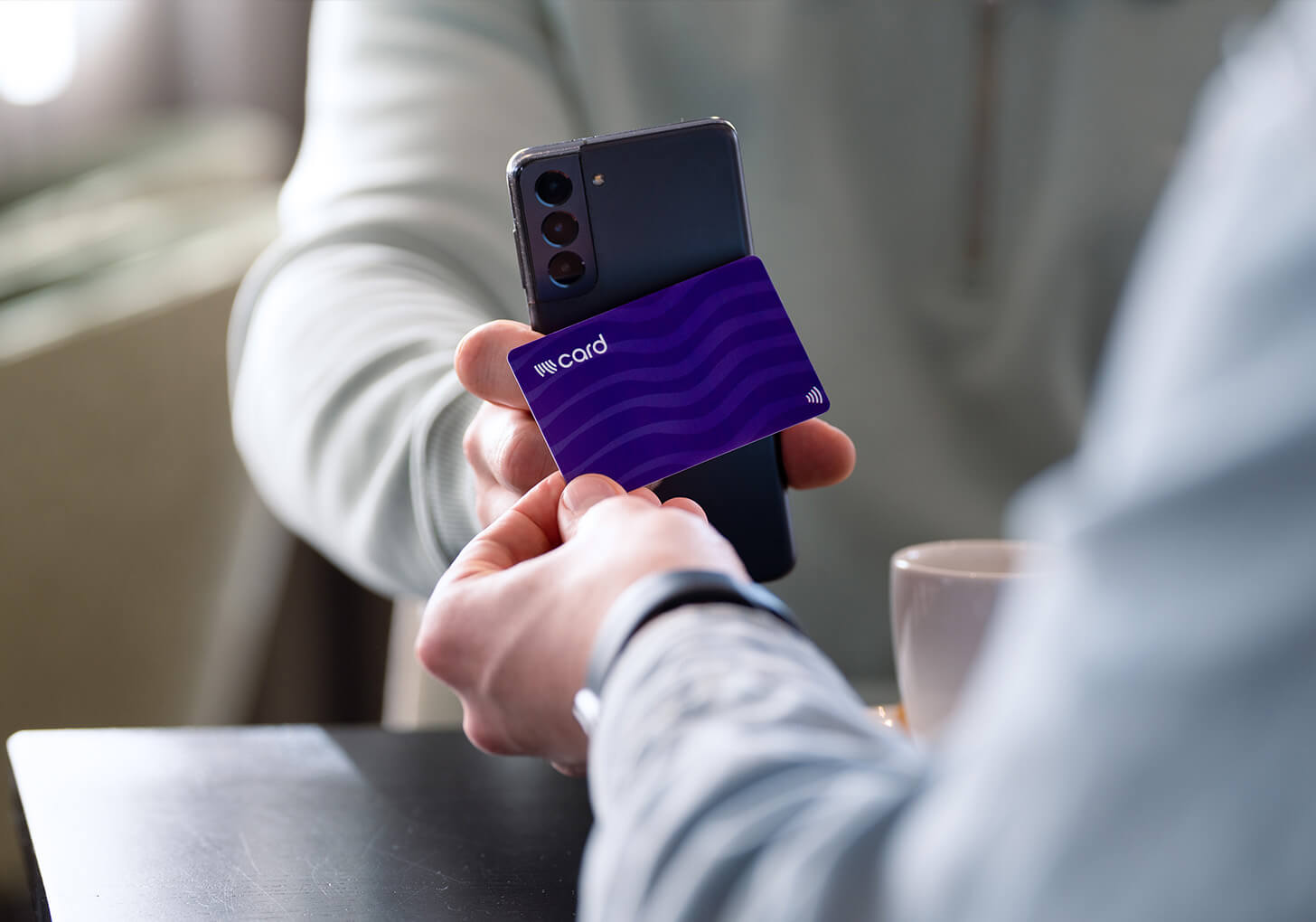
But ultimately, what matters most is that the people you’ve spoken to remember your business. With a digital business card, there’s no need to worry about the quickest way to exchange contact details during an exhibition. Simply tap your Wizard Card against a visitor’s smartphone, and the employee’s personal digital business card opens instantly. No app installation is required.

Prefer scanning? Every Wizard Card also features a personal QR code linking to the same digital business card.

Digital business cards can also be added to Apple Wallet and Google Wallet, allowing employees to keep their business cards on their smartphones. From their Wallet, they can display a personal QR code to share their contact details quickly and easily.

Why Paper Business Cards Aren’t Always Practical at Exhibitions

Paper business cards certainly still have their place at exhibitions. Even if it’s just to drop one into a glass bowl for a chance to win a wine hamper, a weekend getaway or another exhibition prize.

However, for businesses attending an exhibition with an entire team, paper business cards can also cause unnecessary stress. Who’s attending the exhibition? Does everyone have enough cards? Are all the contact details still correct? And perhaps most importantly, have the new cards been ordered and delivered on time?

And, of course, you still need to remember to bring them on the day.

Once you’ve handed out a paper business card, you also have little insight into what happens to it. It might end up in someone’s pocket, bag or the familiar pile of business cards collected throughout the day. If someone actually wants to save your contact details, they often have to enter your name, phone number and email address manually. That’s extra work and another opportunity for typing errors.

Digital business cards work differently. Visitors can scan the card using NFC or a QR code to instantly open the employee’s up-to-date digital profile and save their contact details directly to their phone. What’s more, the information on the digital business card can be updated whenever necessary.

For organisations, there’s another advantage: you can gain insight into how digital business cards are being used across your team.

And what if you want to do more than just share your own contact details at an exhibition? By combining your digital business card with a lead form, you can also collect information from potential customers. Interested visitors can leave their details straight away, giving your sales team a clear overview of contacts to follow up with after the event.

Connecting on LinkedIn?

It’s probably one of the most common suggestions you’ll hear at an exhibition. LinkedIn is a useful way to stay in touch, but as an organisation, you might not want to rely on it entirely for exchanging contact details.

Especially when you’re attending an exhibition with a larger team, you want everyone to share their details in a professional and consistent way. If every employee decides for themselves how and what information to share, your organisation has little control over the process.

What’s more, a LinkedIn connection is primarily between the visitor and the individual employee. If that employee later leaves the company, their personal connections don’t automatically transfer to a colleague or the business.

With a digital business card, you have greater control over how employees represent your organisation. You decide which contact details, links and branding are displayed, and you can manage everything centrally.

That doesn’t mean LinkedIn has to disappear from the picture. Employees can simply include their personal LinkedIn profiles on their digital business cards. This way, visitors first receive a professional business card representing your organisation and can then connect directly on LinkedIn if they wish.

From Sharing Contact Details to Collecting Leads

Sharing your own contact details quickly is useful. But after a good conversation at an exhibition, you naturally want to know who you’ve spoken to as well. By adding a lead form to your digital business card, visitors can leave their own contact details straight away. This prevents valuable contacts from getting lost in scattered notes, piles of business cards or simply a colleague’s memory.

For sales teams, it becomes particularly useful when this information can be processed automatically. Through integrations, new leads can be sent directly to CRM systems such as Salesforce, HubSpot or Microsoft Dynamics 365. This means employees don’t have to spend time manually entering all the contact details they’ve collected after a long day at an exhibition.

With automations and workflows through Zapier, you can also automate much of the follow-up process. For example, a new lead collected at an exhibition can be added directly to your CRM, assigned to the appropriate sales representative and automatically sent a welcome or follow-up email. You can also trigger additional actions that fit your organisation’s existing sales process.

This helps ensure that following up with potential customers doesn’t have to wait until days after the exhibition. While your team is already moving on to its next meetings, the first steps in the follow-up process can be completed automatically.

Get Ready for Your Next Exhibition

Is your company attending an exhibition soon? Make sure you’ve planned ahead how employees will share their contact details, how potential leads will be collected and what happens to that information after a successful conversation.

With Wizard Card, every employee gets their own digital business card, which can be shared via NFC and QR code. Your organisation can manage all profiles centrally, while a lead form allows employees to collect new leads directly during the exhibition. Through integrations and automations, this information can then be processed within your existing sales workflow.

This means you’re not only prepared for exchanging contact details, but also for everything that comes afterwards. Your team can focus on what really matters at the exhibition: having meaningful conversations and making valuable new connections.